Webinar Details
57 min, 32 sec
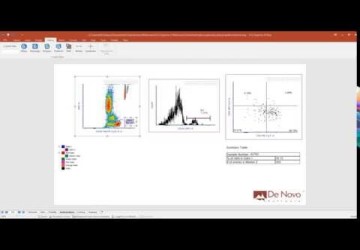
Introduction to FCS Express 4 Image Cytometry
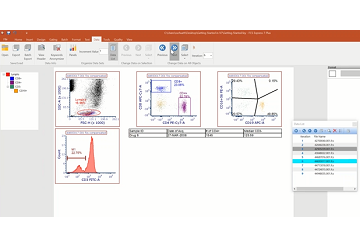
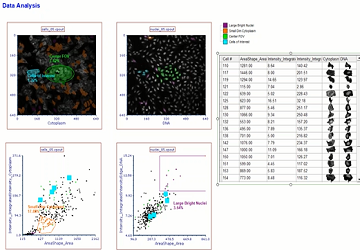
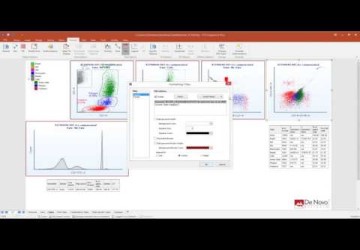
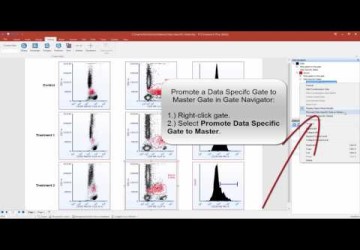
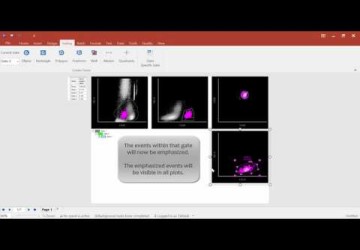
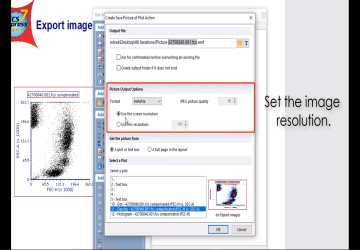
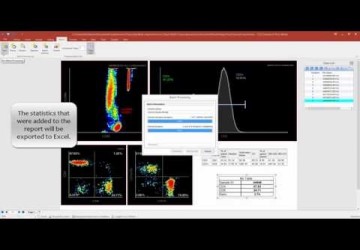
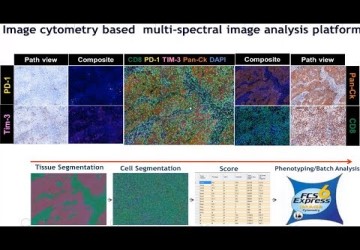
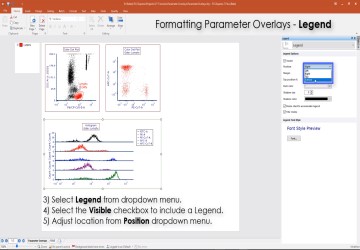
Announcing our new FCS Express 4 Image Cytometry Analysis. We know that it can be difficult to try new software on your own, so we have scheduled a live online demo to help you out. The demo is one hour long and gives an overview of how FCS Express can help you analyze your image cytometry data using our well known Flow Cytometry data analysis features. It can give you a great head start on taking advantage of everything FCS Express has to offer and introduce you to new ways to get information out of your data.
Webinar Details
57 min, 32 sec
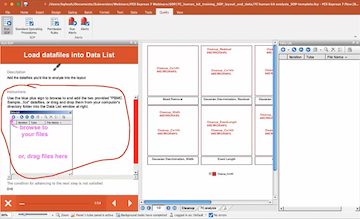
Getting Started in FCS Express 4 Flow Cytometry
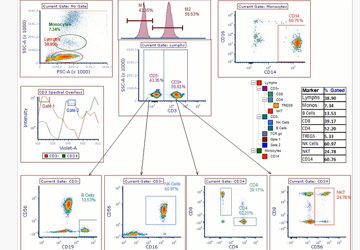
We know that it can be difficult to try new software on your own, so we have scheduled a live online demo to help you out. The demo is one hour long and gives an overview of how FCS Express can help you analyze your flow cytometry data. It can give you a great head start on taking advantage of everything FCS Express has to offer.
Webinar Details
57 min, 32 sec
初次使用FCS Express 4流式细胞分析软件 (Getting Started in FCS Express 4 Flow Cytometry - Chinese)
为了协助FCS Express 4流式细胞分析软件的新用户,本公司与合作伙伴北京达科为生物技术有限公司准备了为时一个小时的网络培训课。其中,我们会对如何使用FCS Express 4分析流式细胞数据进行一个全面的概括介绍。培训内容能让您在使用FCS Express 4时更加得心应手,充分了解掌握本软件的各项功能。
Webinar Details
48 min
Nexcelom Image-Based Cytometry and FCS Express 4 Flow Cytometry Software for Cell-Based Assays: Joint Presentations
We are happy to announce a joint webinar presented by the Nexcelom and the De Novo Software teams. Back-to-back presentations will demonstrate the use of the Nexcelom Cellometer Vision CBA for data collection on several image-based assays and import of the results into FCS Express 4 Flow Cytometry for interactive reporting of the data. Specific topics will include cell cycle and apoptosis applications.
Webinar Details
65 min
Using CellProfiler and FCS Express 4 Image Cytometry: Joint Presentations
We are happy to announce a joint webinar presented by Dr. Mark Bray of the Broad Institute and the De Novo Software team. Back-to-back presentations will demonstrate the use of CellProfiler for running image analysis on several image-based assays and import of the results into FCS Express 4 Image Cytometry for interactive reporting for the images and data.
Webinar Details
48 min, 53 sec
Using Compensation with FCS Express
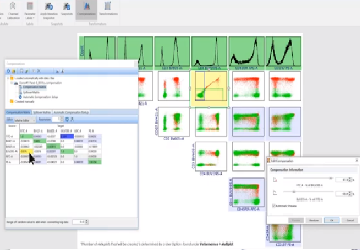
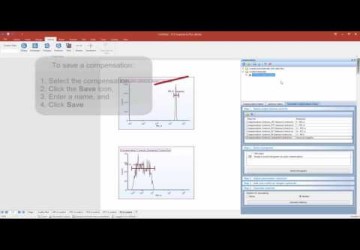
FCS Express makes compensation a breeze. FCS Express boasts can perform both manual and automatic compensation. Version 4 boasts a brand new automatic-compensation setup that allows you to set up your compensation from single stained controls in just a few seconds. Come join us to see how to get the most out of FCS Express compensation.
Webinar Details
42 min, 01 sec
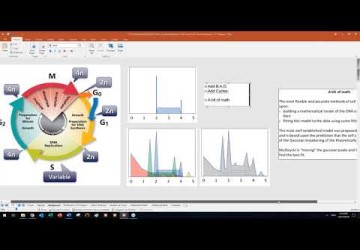
Proliferation Analysis
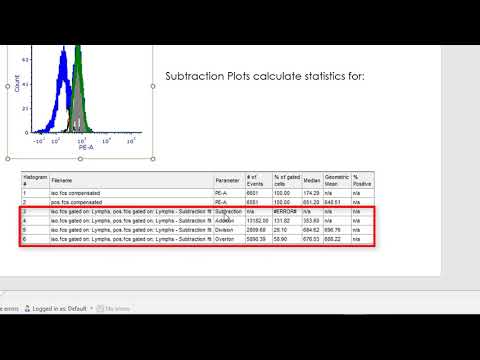
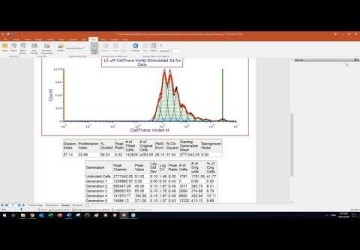
Proliferation assays utilizing a dye dilution method such as CFSE can be difficult to interpret manually. FCS Express 4 Research includes powerful Proliferation modeling to automatically resolve cell divisions and extract the required statistics for you. This webinar will show you how to set up a proliferation layout and use tokens to automatically calculate and subtract background noise from your data

Webinar Details
42 min, 36 sec
Regression Analysis
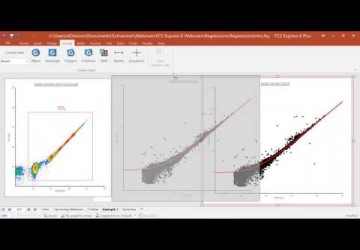
You can now perform regression analysis on your data right within FCS Express Version 4. Calculate correlations, IC50, titration, dose-response and many other equations. All the most common equations in the life sciences are supported. Best of all, as you adjust your gates, or your data, your regressions will update instantly. Join our webinar to see how to take advantage of these unique capabilities.
Webinar Details
58 min, 51 sec
Whats New in FCS Express 4
This webinar gives an overview of the many new features and cool functions found in FCS Express 4.
Webinar Details
39 min, 27 sec
Security System Overview
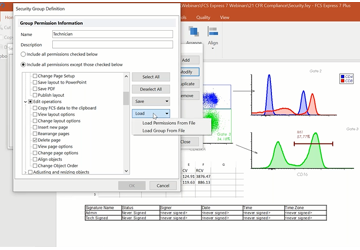
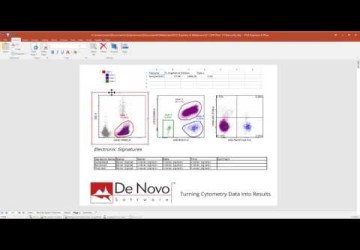
View this webinar to learn all about the FCS Express Security System. With hundreds of permissions, extensive reporting, electronic signatures and more. FCS Express provides all the functionality to provide for all your security and 21 CFR Part 11 requirements.
Webinar Details
34 min, 14 sec
Introduction to High Content Analysis in FCS Express Version 4
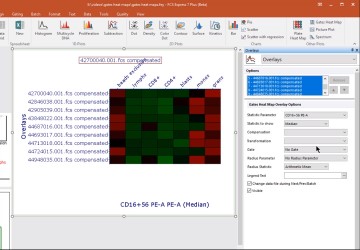
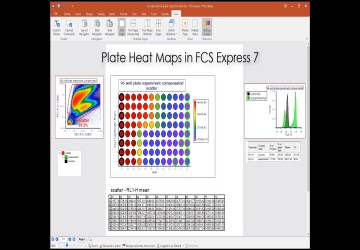
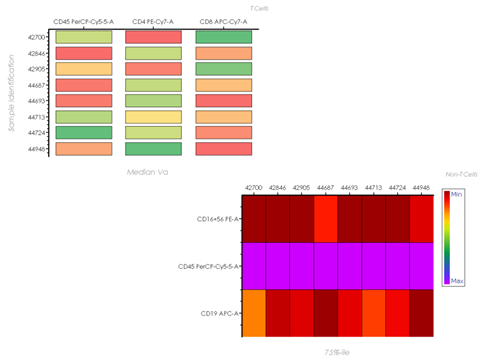
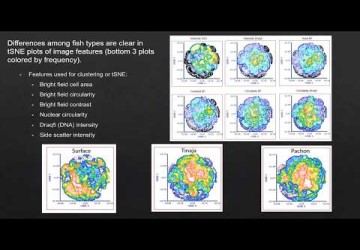
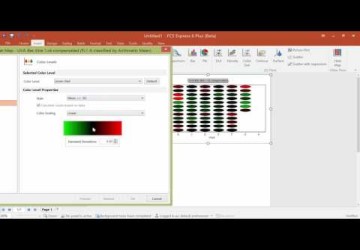
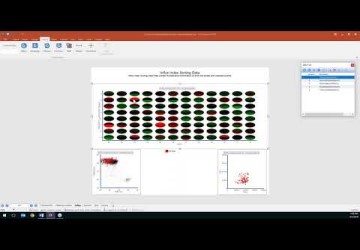
High Content Screening with automated imaging systems and High-throughput flow cytometry systems is an emerging technique. FCS Express 4 has a High Content Analysis add-option for both Flow and Image microtiter plate data. Heat Maps are a valuable tool included with the High Content Analysis add-on for FCS Express 4. Heat Maps allow you to visualize any statistic on any parameter in a color scaled map in a plate format. Plot multiple heat maps simultaneously, and apply gates from wells or groups of wells. Just like any other plot in FCS Express, Heat Maps can be formatted based upon user criteria. This webinar will get you started using our new High Content Analysis module and Heat Maps.
Webinar Details
47 min, 56 sec
What's new in FCS Express 4 IVD
As the only third party data analysis software registered with the FDA for In Vitro Diagnostic use, FCS Express has become the tool of choice for many clinical labs performing flow cytometry assays. FCS Express combines ease of use with a host of features that are focused on the special requirements of a clinical lab. This webinar will highlight those features plus provide a general overview of our new launch of FCS Express 4 Flow Cytometry IVD. Please join us to see how FCS Express 4 IVD can improve the speed, efficiency and accuracy of your analysis and show you how you can provide your clients with a results report that you can be proud of.
Webinar Details
54 min, 04 sec
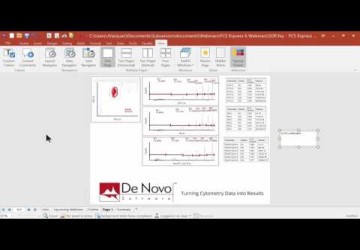
Batch Processing in FCS Express 4
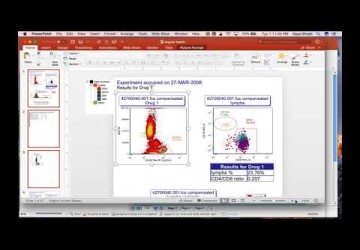
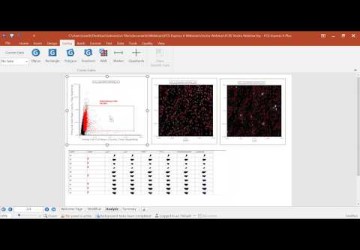
Batch Processing in FCS Express allows you to rapidly analyze as many data files as you like. You can create PowerPoint presentations, Excel Spreadsheets, Word Documents, and much more. Watch the webinar to learn how to harness the full power and analyze your data more rapidly than ever before.
Webinar Details
54 min, 04 sec
使用FCS Express 4的批处理功能 (Batch Processing in FCS Express 4 - Chinese)
FCS Express 4中的批处理功能能够快速处理多份数据,并自动创建PowerPoint、Excel、Word等各种文档。此网络培训能够使您全面掌握FCS Express 4的批处理功能。您的数据分析将无比迅速。本公司感谢合作伙伴北京达科为生物技术有限公司提供本次网络培训。
Webinar Details
35 min, 00 sec
Displaying Accuri CFlow Data and Using the CFlow Importer
The Accuri C6 flow cytometer is an increasingly popular flow cytometer. You can analyze your C6 data in FCS Express and FCS Express 4 introduces an easier way to magnify or zoom your data. Additionally, De Novo Software has collaborated with Accuri to create the CFlow importer for FCS Express. This allows you to import your entire analysis from the Accuri C6 software directly into FCS Express. All plots, gates, markers, quadrants, compensation and much more are created in FCS Express exactly the same way as they were in the C6 software. Join us for this webinar to learn more about the capabilities of the CFlow importer and analyzing your C6 data files in FCS Express 4.
Webinar Details
32 min, 13 sec
Kinetics Analysis and Calcium Flux
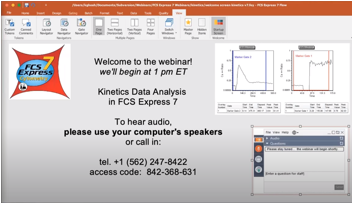
Most flow cytometers are capable of providing kinetics data by recording a time parameter in the FCS file. Kinetics experiments are particularly useful for examining changes in calcium flux, DNA content, and antibody binding. By adding a fluorescent marker to a sample and monitoring influx, efflux, or binding of the dye over time, unique information can be gathered. FCS Express offers the capability to display and analyze kinetics data in an easy and user friendly manner while updating your plots as your analysis changes. This webinar will get you started using your calcium flux data with the new Kinetics plots in FCS Express.
Webinar Details
41 min, 06 sec
Using Custom Data with Bar and Scatter Plots in FCS Express 4
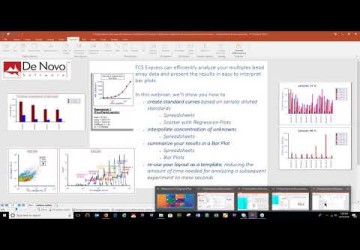
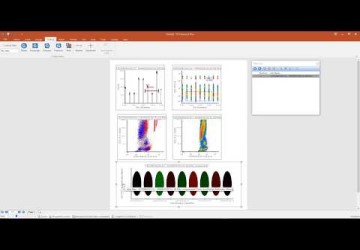
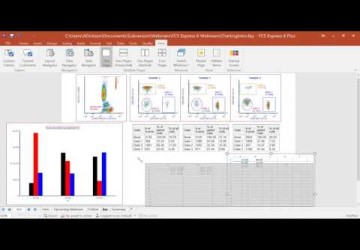
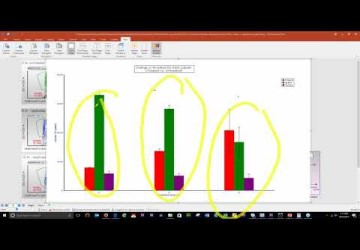
Learn how to use Bar charts and Scatter plots to compare statistics and generate publication ready graphs from multiple samples right in your FCS Express layout. The bar heights, dot positions and error bars all dynamically update as you change your analysis so you can see results immediately. This gives you powerful options for creating titration calibrations, standard curves, regressions and much more. We will show you how to set up a custom data plot to get you started with this powerful FCS Express 4 feature.
Webinar Details
35 min, 00 sec
Displaying FACSDiva Data and using the FACSDiva Importer
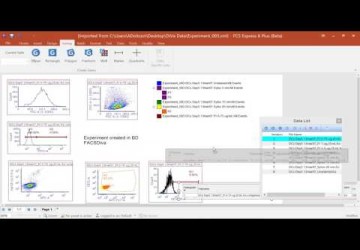
Data from the newer BD instruments has some unique characteristics (high resolution, negative values) that can pose challenges when it comes to analysis. Sometimes the data just does not look like you want it to. Join the webinar to see all the settings FCS Express has to make your FACSDiva data look perfect. We will also be going over the FACSDiva importer, which imports your experiments from FACSDiva and recreates the analysis in FCS Express.
Webinar Details
34 min, 8 sec
Navigation Tools and Customizing Your Workspace
FCS Express 4 introduces a brand new Microsoft Office styled ribbon interface. There is also a brand new docking system to allow you to customize the user interface like never before. Learn how to use our new navigation tools and create and personalize your workspace to turn your data into results in no time.
Webinar Details
34 min, 8 sec
Using the DDS
A common problem in flow cytometry data analysis is where to store the results from your experiments. Often, the results end up in different spreadsheets or PowerPoint presentations scattered around your hard drive. It can be a tedious and time consuming task to collate all these results when it comes time to publish a paper or present your work. On many occasions, even simply finding the experiments of interest can be a challenge. The De Novo Software Data Services (DDS) is an easy-to-use online database that allows you to store and retrieve your experimental results. Watch the webinar for a preview of this system.
Webinar Details
12 min, 7 sec
Using the Collaboration Tool
These days everyone seems to be on some kind of social network. Now you can chat with your co-workers or collaborate with your peers while analyzing your cytometry data by using the new Collaboration Tool. You can view their screen, and control their mouse and they can do the same for you (with permission of course)! Share your analysis and data files with other on line FCS Express users and work with your peers to develop the ultimate analysis. Who needs Facebook, when you have FCS Express?